Why 90% of Microsoft 365 Users Never Open Power Automate
Your company is already paying for one of the most powerful automation tools available. Here's why almost no one uses it - and what happens when they do.

Daniel Kubiak
Founder
Featured

You're paying for it right now.
Power Automate is included in every Microsoft 365
Business and Enterprise licence. It has been for years.
Yet in most companies, the tool sits completely unused -
not because people don't want to save time, but because
no one ever showed them it was there.
This is not a technology problem. It's a training problem.
The gap between licence and usage
Microsoft reports that Power Automate has over 10 million
monthly active users. That sounds impressive until you
consider that Microsoft 365 has over 400 million paid seats.
The math is uncomfortable: fewer than 3% of people who
have access to Power Automate actually use it.
In most organisations, the tool gets mentioned once during
IT onboarding, buried in a list of available apps, and never
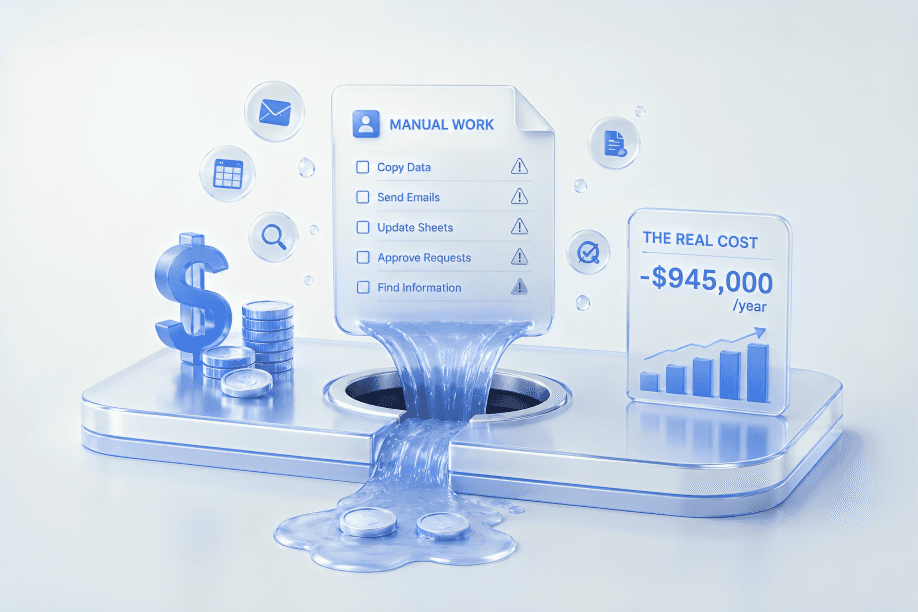
brought up again. Employees go back to copying data between
spreadsheets. Managers go back to chasing approvals on Teams.
Finance teams go back to building the same report manually
every Monday morning.
What actually blocks adoption
Three things consistently prevent teams from using
Power Automate:
They don't know it exists or what it does
Most employees have seen the Power Automate icon but
have no idea what it's for. The name doesn't help.
"Automate" sounds technical. It sounds like something
for developers.
It isn't. If you can use Excel, you can use Power Automate.
They don't know where to start
Even employees who want to try it open the tool, see
a blank canvas, and close it again. Without a concrete
process to automate and someone to show them the first steps,
the learning curve feels steeper than it is.Generic training doesn't stick
Most Power Automate training - online courses, YouTube
tutorials, Microsoft certifications - teaches the tool
in the abstract. Participants learn features, not solutions.
They finish the course and still don't know how to automate
the actual task sitting on their desk.
What changes with proper training
When teams learn Power Automate on their own processes -
real tasks, real data, real tools they use every day -
the outcome is completely different.
Participants don't just understand the tool. They leave
with something working. An automation that runs every day
without anyone touching it. A process that used to take
three hours that now takes zero.
That's the difference between training and results.
The opportunity
If your team uses Microsoft 365, you are already paying
for a tool that could save each person 3 or more hours
every week. Across a team of 10, that's 30+ hours recovered
every single week - without hiring anyone, without a new
software licence, without an IT project.
The only thing missing is knowing how to use it.